Free, with no account. The example trip is invented, through real places.
ReliefThe Amalfi Coast · Video · 12 s
The Video, frame by frame. Choose a frame to play from it.
0:020:070:090:12
A Reel and a Video from one Map
The Reel is upright, the size Instagram Reels, TikTok and YouTube Shorts play. The Video is wide, for YouTube. Both come from the same Map, so they show the same trip in the same time.
Video · 1920 × 1080YouTube · A slideshow or a website
Six ways to move
Pick how the camera moves, and the clip is made for you. There are no keyframes to set. Here six example trips each move a different way, in six styles.
RevealDraws the route in. Stops arrive as it reaches them.Rajasthan by rail · Riso
OrbitA slow, tilted turn around the whole trip.The South Island · Nautical course
FollowRides along with the vehicle, then pulls back.The northern circuit · Wire desk
GlideTilted behind the vehicle, looking down the route.The Icefields Parkway · Vector scope
DriftA slow, level pan across the sheet.Marrakech to Fès, overland · Railway poster
Zoom outFrom the first stop out to the whole trip.Across the Pacific · Airmail
Singapore to Chiang Rai · Old map · Reel
Every leg, with its vehicle
Each leg keeps how you travelled it, and a vehicle rides it in the clip, turning with the route. It can be drawn flat in the style’s colours, or modelled in 3D. Here the Singapore to Chiang Rai example goes by train, minivan, ferry and plane, then by bike.
Train
Rides the rails, drawn in the style’s mark for a railway.
Car
Follows the roads between your stops. Drag a leg to send it another way.
Ferry
Crosses the water on a straight line, or the course you draw.
Plane
Flies an arc over land and sea.
Bike, on foot
A rider or a walker, along the paths.
The same Map, standing still
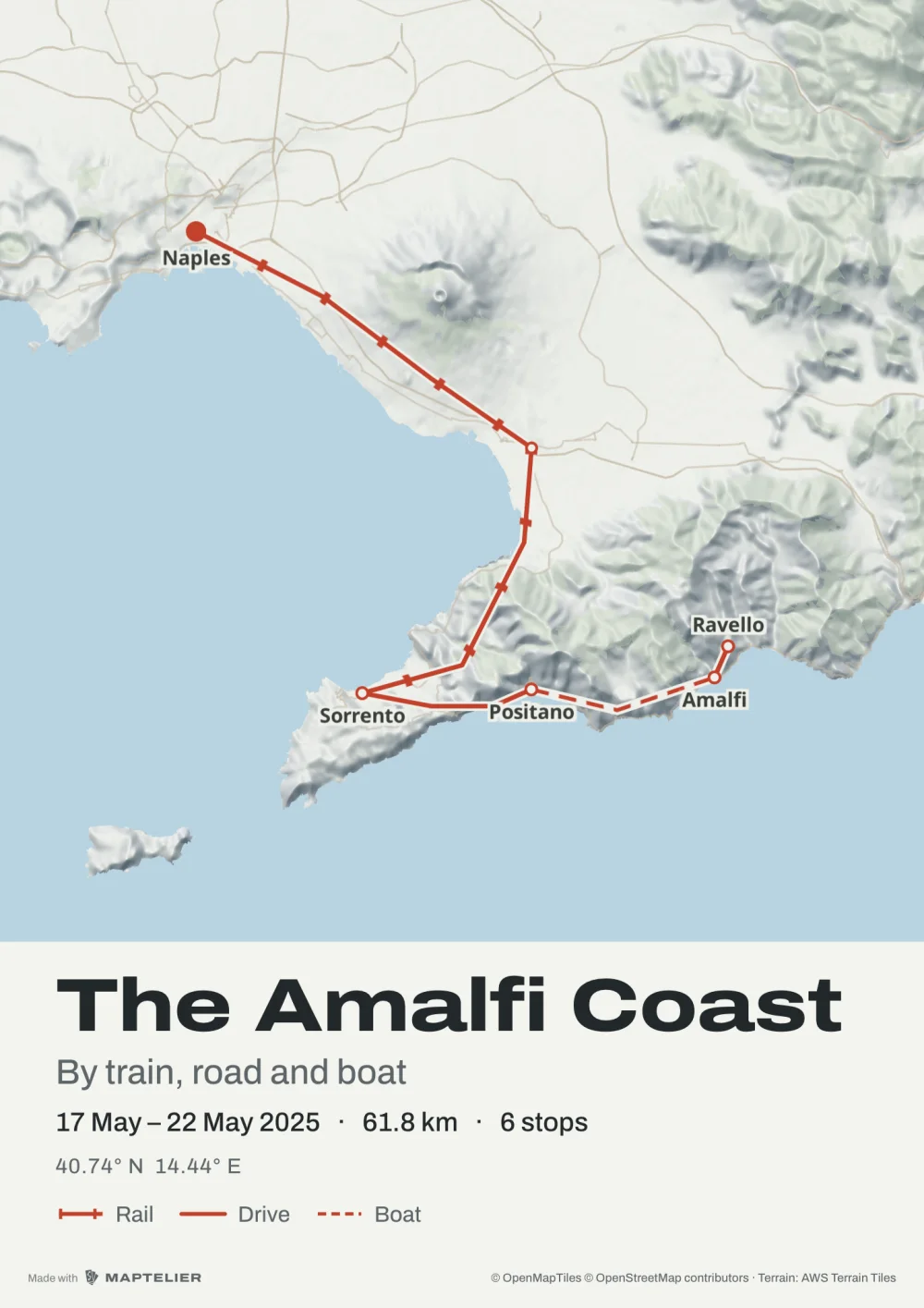
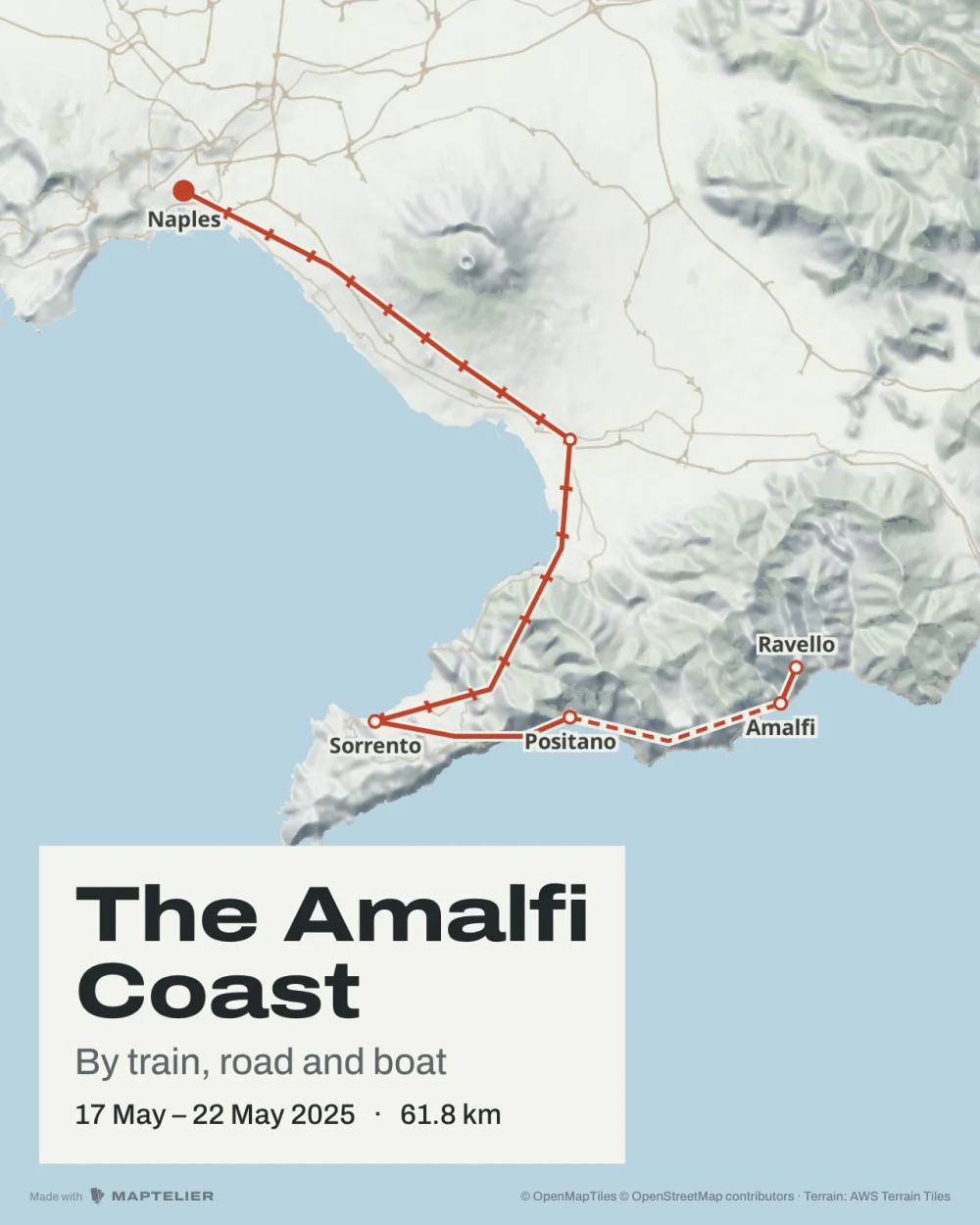
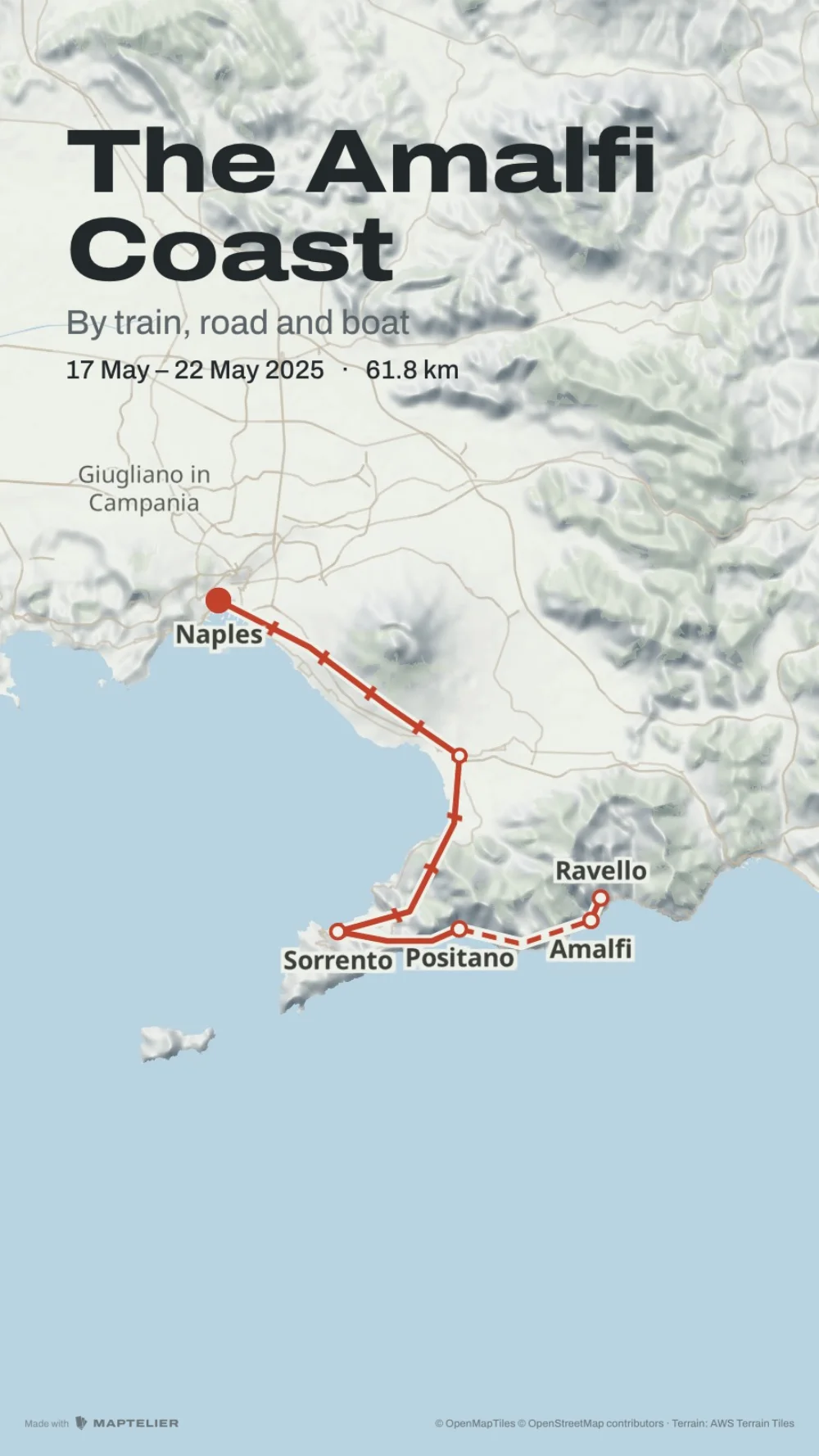
Every Map also exports as stills, such as a poster for the wall, a post and a story, each laid out again for its shape.
On the wallPoster A3 · 297 × 420 mm
In a postPost · 1080 × 1350
In a storyStory · 1080 × 1920
What’s free
Every format exports free, with a small Made with Maptelier mark. US$12 unlocks one Map, once, for every format at full size without it. There is no subscription. Pricing has the rest.
Free
Unlocked Map, US$12
Account
None needed. Maps are saved in this browser.
None needed
Stops and routes
Every stop, and every kind of leg
The same
Post, Square, Story
At their exact sizes, with a small Made with Maptelier mark
Without the mark
Print sheets
A3 and 70 × 50, 2,048 pixels on the long side, with the mark
Full 300 dpi, without the mark
Clips
Video and Reel at 1080p, 30 fps
4K at 60 fps
Questions
How do I make an animated travel map?
Open the editor and add the places you went, by search, from your trip photos or from a GPX file. Choose how you travelled each leg, pick a style and a move under Motion, and download the clip. Making the map
Can I make one for free?
Yes, with no account. Clips export free at 1080p and 30 fps with a small Made with Maptelier mark. Unlocking the Map for US$12 removes the mark and gives 4K at 60 fps.
Which size is it for Reels, TikTok and Shorts?
The Reel, at 1080 × 1920, upright. The Video is 1920 × 1080, for YouTube and anywhere wide.
How do I add a route map to my Instagram story?
Export the Story, a still at 1080 × 1920, or the Reel to post as a clip.
How long is the clip?
Between 4 and 30 seconds, set in the Motion group. The Reel and the Video play the same trip in the same time.
Can I put it in my own video?
Yes. Drop the MP4 into CapCut, Premiere or any editor. The Transparent clip has a clear background, to lay the map over your footage. It has been tested in Chrome, and not yet in other browsers. A clip from a GPX file
 On the wallPoster A3 · 297 × 420 mm
 In a postPost · 1080 × 1350
 In a storyStory · 1080 × 1920