Free, with no account. The example run is invented, routed along real paths in Paris.
morning-run.gpx2,663 track points
Activity
Morning run
Date
Saturday, 9 May 2026
Time
07:02 to 08:13, 1 h 12 min
Distance
15.5 km
07:1007:2007:3007:4007:5008:0008:10
07:02Drag to replay08:13
Night inkReel · 1080 × 1920
The same run as a Video, 1920 × 1080, in Night ink.
From a GPX file to a clip
Export
Save the activity from your watch or app as GPX, FIT or TCX. A ZIP of them works too.
Drop
Drop the file on the editor. The route is drawn as it was recorded, and the start and finish are named from the map.
Move
Pick a Maptelier style and how the camera moves. Follow rides along with you, and Glide flies low behind, looking down the route.
Download
The Reel and the Video download as MP4, free at 1080p and 30 fps, or 4K at 60 fps with an unlocked Map.
Where your file comes from
Most watches and sport apps save an activity as GPX, FIT or TCX. These are the menus to look for. The editor reads any of them, and ZIP files of them.
Watch or app
How to export
Gives
Strava
Open the activity’s menu and choose Export GPX. Your whole account comes as a ZIP from Download your account.
GPX, FIT
Garmin Connect
Export the activity as GPX, or as its original FIT file.
GPX, FIT
Apple Watch
In Health, Export All Health Data. The ZIP has a GPX for each workout route, in workout-routes.
GPX
Komoot
Open the tour and choose Download GPX.
GPX
Coros
Open the activity’s menu and choose Export Data.
GPX, FIT, TCX
Suunto
Open the workout’s menu and export it.
GPX, FIT
Polar Flow
Open the session and export the route or the training.
GPX, TCX
Your file stays on your device
ReadThe track’s positions and times, and the kind of activity. The file is read in your browser.
SkippedHeart rate, power, cadence and the watch’s serial number are passed over and never read.
SentNever the file. The map asks for tiles of the area in view.
The Privacy notice lists every service a Map reaches and how long each record is kept.
One run, every format
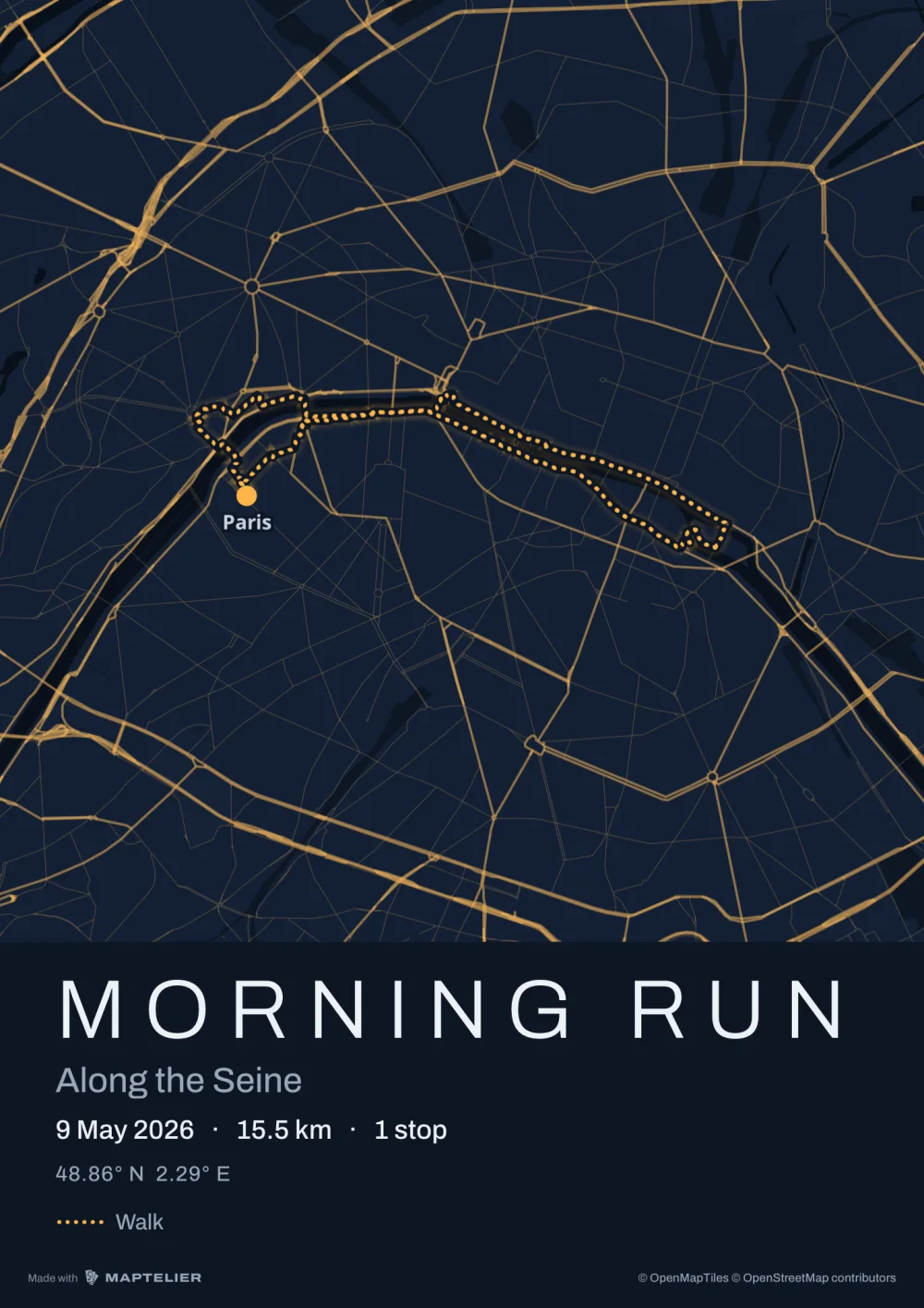
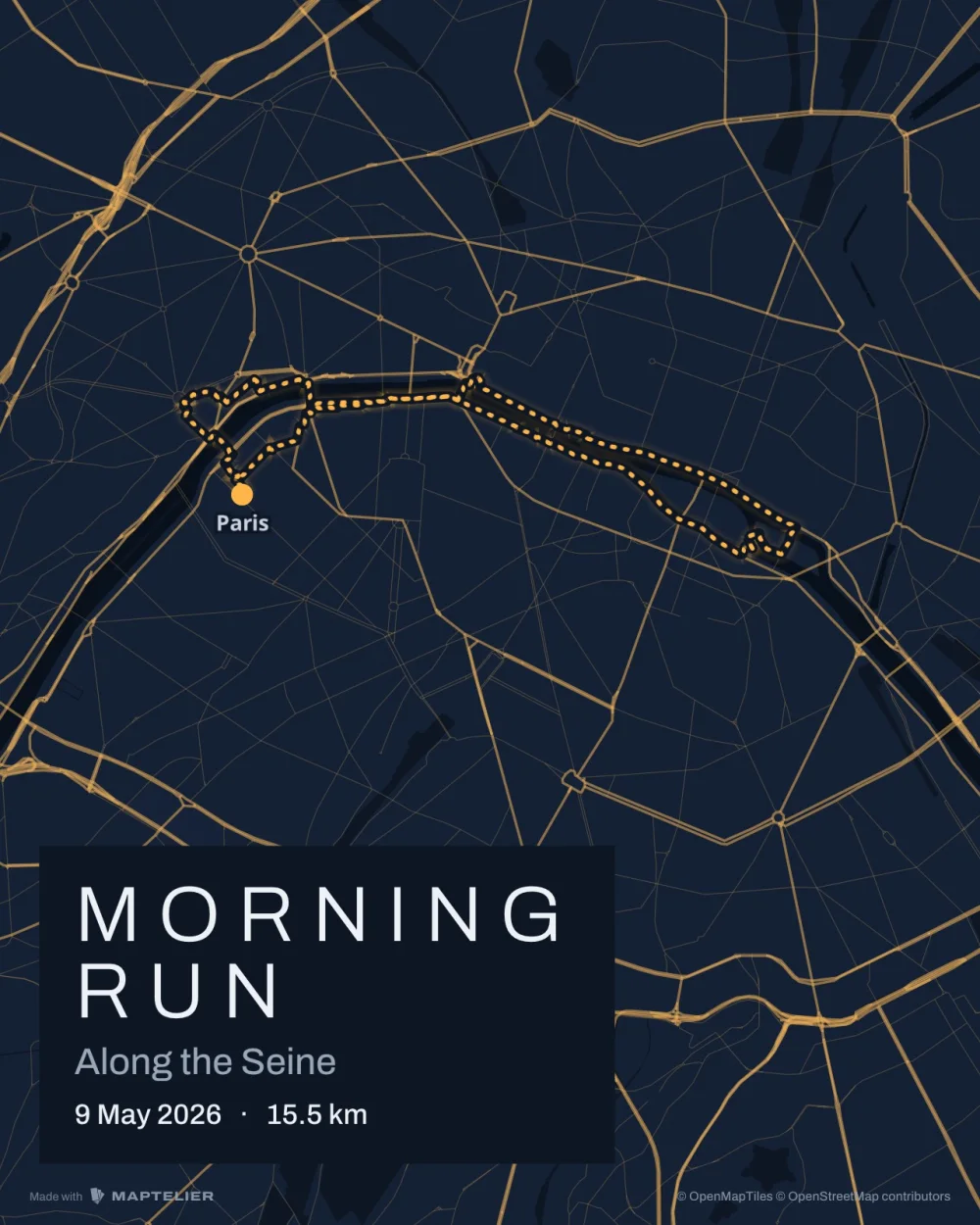
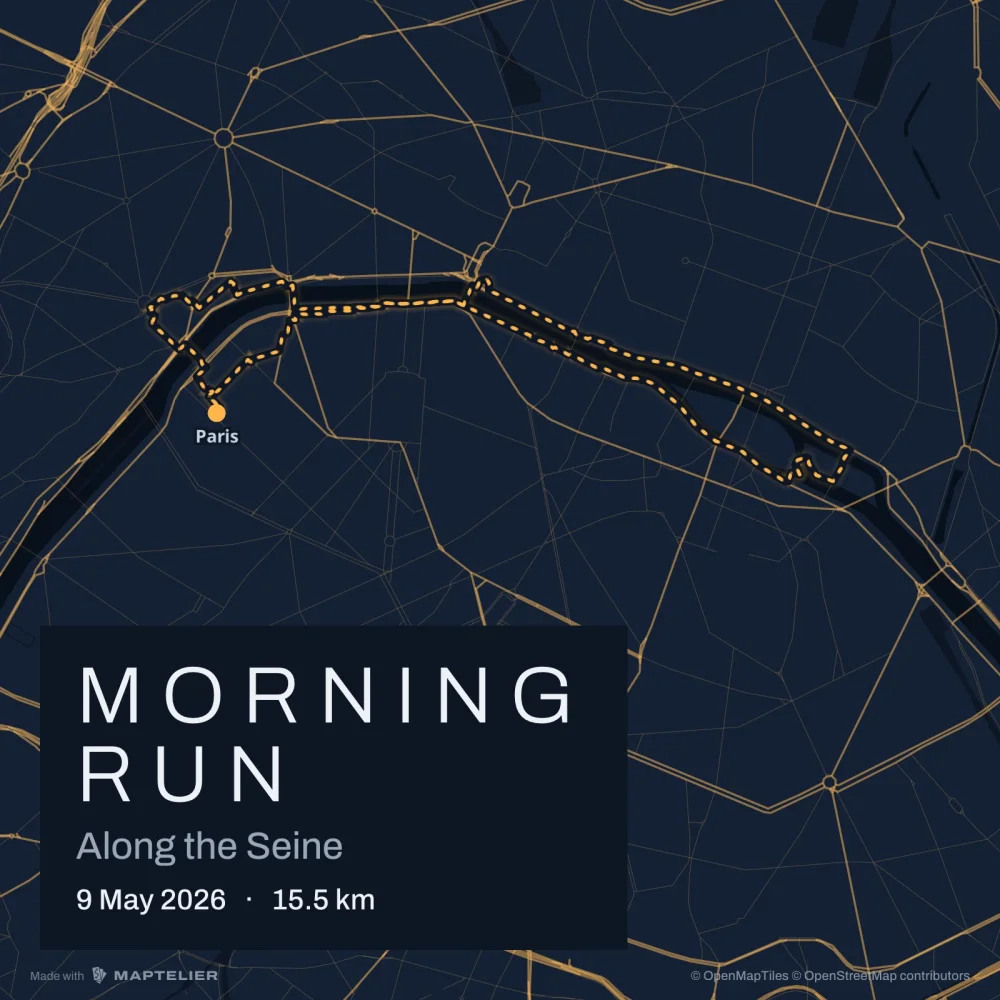
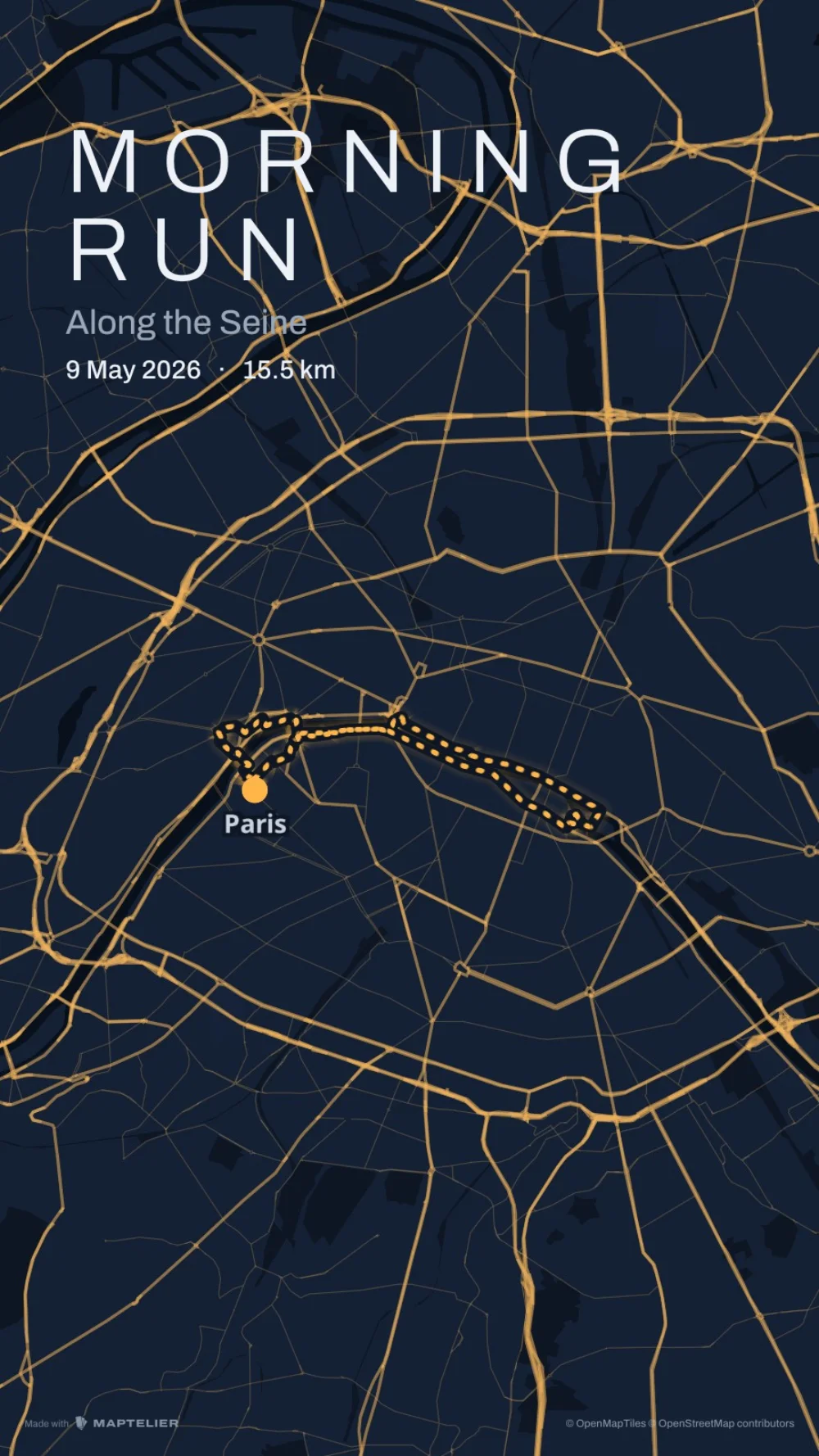
The Reel above is 1080 × 1920, upright, for Instagram Reels, TikTok and YouTube Shorts. The same Map makes stills for a post or a story, a poster of the route, and a Transparent clip to lay over your own footage, shown here over a checkerboard.
On the wallPoster A3 · 297 × 420 mm
In a postPost · 1080 × 1350
On a profile gridSquare · 1080 × 1080
In a storyStory · 1080 × 1920
Over your footageTransparent clip · 1920 × 1080
What’s free
Every format exports free, with a small Made with Maptelier mark. US$12 unlocks one Map, once, for every format at full size without it. There is no subscription. Pricing has the rest.
Free
Unlocked Map, US$12
Account
None needed. Maps are saved in this browser.
None needed
Stops and routes
Every stop, and every kind of leg
The same
Post, Square, Story
At their exact sizes, with a small Made with Maptelier mark
Without the mark
Print sheets
A3 and 70 × 50, 2,048 pixels on the long side, with the mark
Full 300 dpi, without the mark
Clips
Video and Reel at 1080p, 30 fps
4K at 60 fps
Questions
How do I turn a GPX file into a video?
Open the editor and drop the file on it, or choose Import under New Map. Pick a style, then a move under Motion, and download the Reel or the Video as MP4.
Which files work?
GPX, FIT and TCX files from a watch, a bike computer or an app, and ZIP files of them. KML, GeoJSON and CSV files open as places, without a route.
Can I make a video like Strava’s flyover or Relive?
Maptelier draws your route on a map in one of its styles, and the camera rides along it or flies low behind it. Most styles can draw it over satellite imagery. It shows no 3D terrain, and it puts no pace or heart rate on the video. The clip downloads as an MP4 you keep.
Is my file uploaded?
No. It is read in your browser. The Map keeps the route and its stops, saved in this browser, or in your account if you sign in.
Can I put the route over my own footage?
Export the Transparent clip. It comes as a WebM with a clear background and as PNG frames, to lay over footage in a video editor. It has been tested in Chrome, and not yet in other browsers.
Is it free?
Yes, with no account. Clips export free at 1080p with a small Made with Maptelier mark. Unlocking the Map for US$12 removes the mark and gives 4K at 60 fps. Pricing
 On the wallPoster A3 · 297 × 420 mm
 In a postPost · 1080 × 1350
 On a profile gridSquare · 1080 × 1080
 In a storyStory · 1080 × 1920